
finally
HP Color LaserJet Pro Multifunction M479fdn Laser Printer
Tue, 05/12/2020 - 18:25 — Alexis Wilke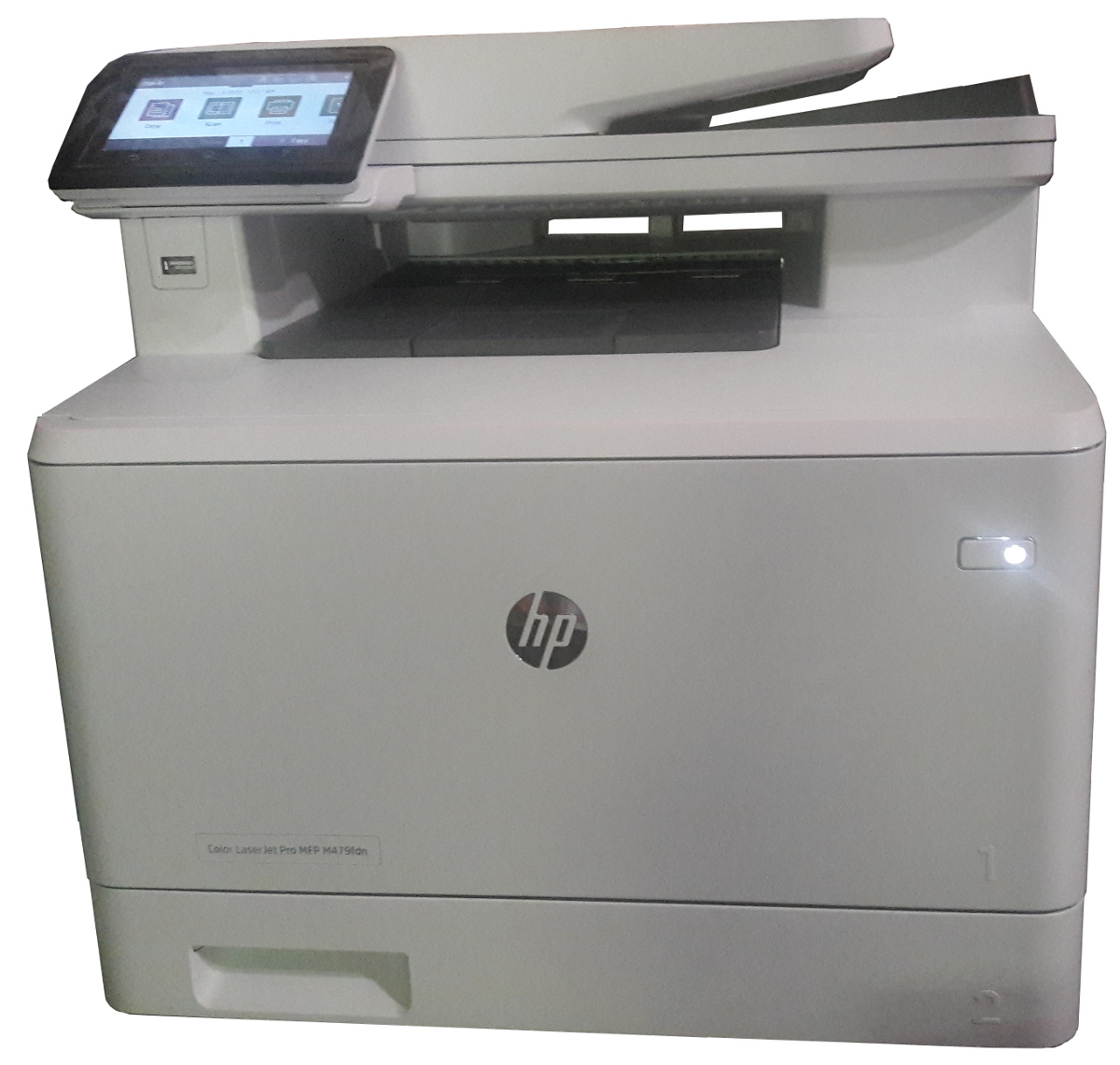
Click to get this printer on Amazon.com where I'm an affiliate.
Not too long ago, I ordered a new color drump for my old printer and replaced it. Not very long after that the print simply decided to not print at all anymore. Literally, it would pass the page through just fine but it had nothing on the page. I know it was working since it was printin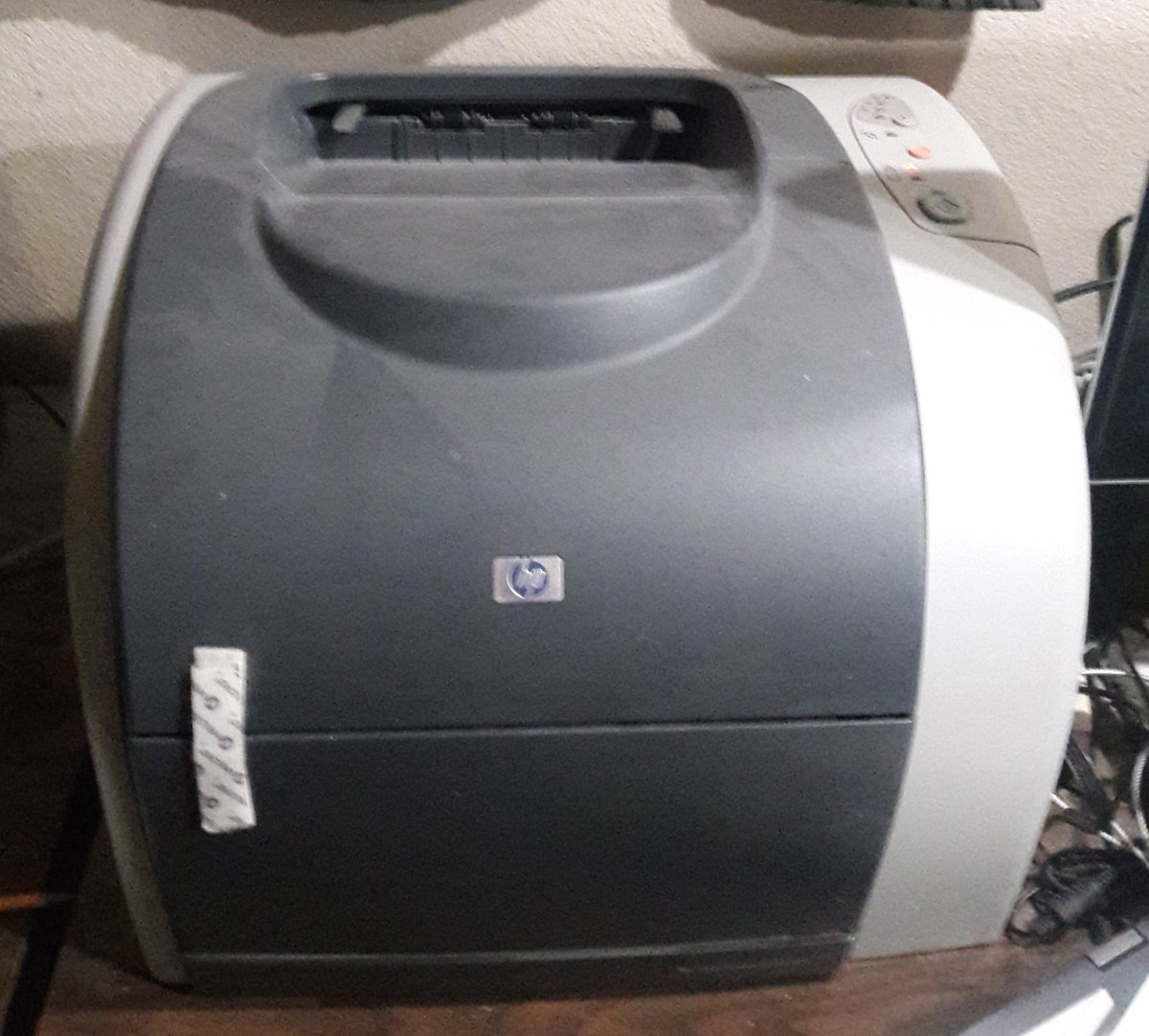 g just fine the day before and there was still plenty of black ink (it would have had the light on if the black was not enough.)
I'm thinking that may have been a ploy by the manufacturer to push me to buy a new printer...
In any event, ...
Avoid automatic translation of Facebook posts
Sun, 12/31/2017 - 16:50 — Alexis WilkeOnce more today my French friend's post was translated.
French is my mother tongue so I sure don't need the automatic translation for French on my Facebook wall. I also like to read a couple other languages, even if I'm not at the best level I only need a little help with a few words here and there, so I like to have those in the original language to improve. The more you read a language the more you learn about it. Same if you live in a country and start talking with people there. You're going to learn a lot more that way than staying at home and not talking to anyone any ...
Drupal Aggregator
The default Aggregator Drupal module does not work very well. There are several problems with the Drupal Core module, one of which we have not fixed in our version (i.e. the flatness of the item table.)
There is a list of the known issues and our comments and whether we fixed the problem:
| Problem | Solution in m2osw's version of Aggregator |
|---|---|
| Missing XML marker | The <?xml ... ?> marker is missing from some RSS feeds, add it as required |
| Spurious data | Some RSS feeds add spurious data ... |
Only add identifiers and optionally numbers to my headers
Proposition
The Table of Contents module uses the headers to get generated. Each header gets a unique identifier when none were assigned manually. The Table of Contents module uses the text between the start and end tags as the title to show in the table of contents.
Very good!
Now, you may not want the Table of Contents itself, but you like the idea to have identifiers in all your headers. This can be useful to create in-page links (a link with an anchor, i.e. #some-name at the end of your URL.) It is generally annoying to have to enter the identifiers by hand for each header and you ...
Discuss This! module Known Issues
The module works and is secure, however, there are problems difficult to circumvent. The following lists them. If you can help fixing some them, you'll be more than welcome!
Reordering the Comments on your Node
It is possible to reorder the node fields using the CCK module. If the Discuss This! comments do not appear exactly where you'd expect them to be, try using the the CCK module:
- Download the CCK module
- Install the CCK module
- Go to Administer » Content management » Content types
- Click on Manage content fields next to the node type you are ...
Insert Node Known Issues
The following are problems that have not been resolved and will probably not be.
Tag not transformed
At times, you enter the tag as in [node:123 cck=title] and it is not converted by the filter.
There are 3 common reasons for this to append:
- You did not select the filter in your Input formats;
- You did not select the format that uses the filter in that node; or
- There is a syntax error in the tag.
The 3rd one is certainly the most likely explanation once you made sure that the filter was effectively selected for that node. In many cases, it will be the missing ...
Cell Phones now open to telemarketers!
Fri, 01/29/2010 - 13:57 — Alexis WilkeThat's it! The phone commissioners have finally decided that it's OK for telemarketers to call cell phones and try to sell you their products and services.
Personally, I do not think that, in itself, it is a bad thing... except that if I receive even just 1 call a day and have to spend 1 minute each time, I will be burning 30 minutes a month for nothing. (Okay, with 1,000 minutes a month, it wouldn't matter that much, but that's like text messaging... if you receive spam via your phone and you have to pay 20 cents for each spam email you receive, the bill goes up quickly ...
Try
Declare a try/catch/finally block.
This has the behavior of the action script:
	try { ... }
	catch(name) { ... }
	finally { ... }
In version 7, there are no definition of exceptions in the ActionScript interpreter. However, you can write functions that Throw.
The semantic of the try/catch/finally block is very well defined in ECMA 262 version 3 (see pages 87/88).
f_finally and f_catch may not both be zero or the semantic of the try block would be invalid. f_try_size, f_catch_size and f_finally_size are defined in bytes and give the size of each of the block of instructions just like a ...
Set Property
Pop a value from the stack representing the new property value.
Pop the name of the property to be changed. Note that the property scheme is from version 4 and as such the property name can be represented by a number. Older version actually only accepted floating point numbers.
Finally, pop the name of the object where the specified field property is modified.
The following is the list of currently accepted properties or fields for the Get Property and the Set Property actions. Note that the properties can be specified with either an integer (type 7, requires V5.0+) or a single precision floating point (type 1, V4.0 compatible). And since strings are automatically transformed in a value when required, one can use a string to represent the property number (type 0). It works with a double value, I even tested a Boolean and null and it works. Obviously it isn't a good idea to use these. The default should be a single precision float. Please, see the Push Data action for more information about data types.
| WARNING: | Adobe is trying to phase out this functionality. It is very likely not working in ABC code and it is not necessary since objects have member functions that can be used for the exact same purpose and it is a lot cleaner to use those instead. |
|
Set Member
Pop a value a1 representing the new member value.
Pop one string or integer a2 representing the name of the member to modified or create.
Finally, pop an object reference o3.
If the member a2 doesn't exists yet, create it.
Finally, sets the object member a2 to the value a1.
