
role
Basic Website Development Tools Every Blockchain Developer Needs
Mon, 05/09/2022 - 22:02 — Alexis WilkeDevelopers can choose from many advanced software applications in today’s environment of intensive research on potential uses for blockchain technology. Web development tools include Ethereum DApps Development where researchers and developers strive to build decentralized apps and smart contracts. Smart contracts have the built-in ability to adjust based on changes to key terms and to monitor compliance with the terms of the contract.
Blockchain development tools help to facilitate software development. If a developer is new to blockchain or lacks experience, he or she should become ...
What is the Significance of Tiny PCBs?
Mon, 10/05/2020 - 23:43 — Alexis Wilke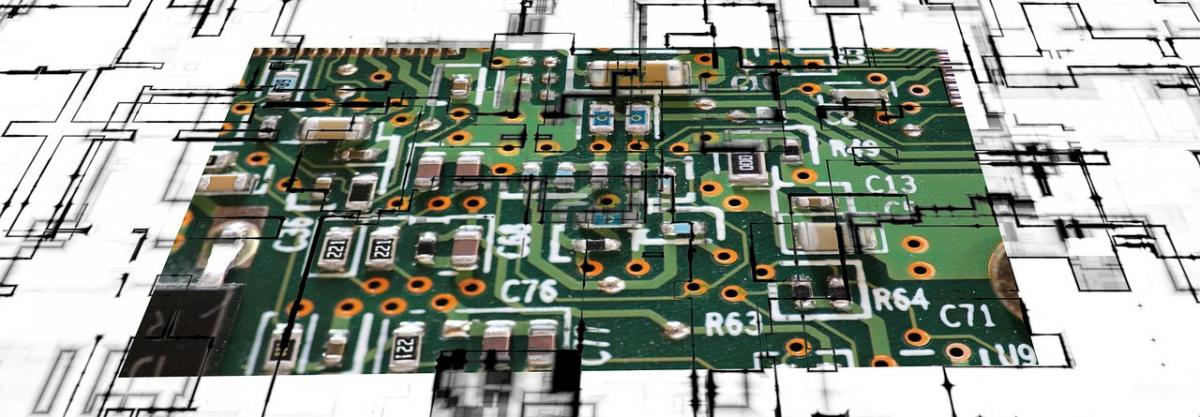
It’s a common refrain that our electronics are always getting smaller. While there may be some up-and-down fluctuation between one phone release and the next, the broader trend is clear: From speakers, to laptops, to home appliances, we can pack a lot more power into a lot less space these days.
This trend leads to some near-fantastical speculation about where tech can go from here. For instance, Quartz posted about limits in processing power back in 2017, and speculated that light could be built into processing chips as a substitute for what we’d now think ...
Protected Node Installation
The basics of the Protected Node installation are easy:
- Get one of the tarball from Drupal.org
- Extract the files under sites/all/modules or some other modules folder
- Go to Administer » Site building » Modules and install the module (package Access)
- As the administrator (UID = 1) you are done.
Once you have installed the module, you probably want to change the permissions. Permissions allow your users to access the Protected Node functionality based on their roles. Please, see the point about Permissions for more information about those.
Now, you're ready ...
To Do List Known Issues
Cannot Assign User to To Do List item
When you first install the module, I wouldn't be surprised if you'd want to create a To Do List item right away and then assign the task to one or more users.
It won't work.
Before users can be assigned a To Do List item, you must give them permission to be assigned to such an item. This is done in the usual permission place: Administer » User management » Permissions. You may also want to create a new role of people who deal with To Do List items.
Actually, the To Do List module comes with many permissions so you may want to ...
Help for To Do List End Users
Introduction
 This page documents the usage of the To Do List module to end users (i.e. not how to install and setup the module, but how to create To Do List items, share them, mark them started/finished, etc.)
For administrative information check out the To Do List module help.
To Do List Permissions
Permissions
Once installed the module offers several permissions under Administer » User management » Permissions (admin/user/permissions). These are include permissions similar to the Node permissions and some others. All the permissions are explained below.
Additional permission granularity can be obtained with the use of other modules as defined in the Extend To Do List.
Version 1.3 and newer
Known issue
The permission functions properly, no issue in that regard. However, the name of the permissions should be using "to_do" with an underscore to be 100% compatible
Extend To Do List with other modules
Extensibility
The To Do List module can be extend with the use of other modules. This page describes such extensions and what you can do with them.
Permissions
You may want to allow more people to work on your To Do List with better granularity in regard to who can edit which issue (instead of all of them) and who can view issues.
There are two modules you can use for this pupose. One lets you choose based on a set of taxonomy terms and the other lets you choose based on available roles.
In order to use a taxonomy with a set of terms, use tac_lite1
- 1. tac_lite stands for Taxonomy ...
Your cell phone is hackable...
Fri, 07/31/2009 - 00:02 — Alexis WilkeThis is a quite interesting article which I thought I should share and keep a copy of!
Most of us, even if we can determine whether a piece of software (or hardware!) can be hacked, we just do not have the time to spend on testing each device we use to ensure that no hackers will be able to get it. We rely on the manufacturer to do that work for us.
This article shows that even though all manufacturers have protections, all are vulnerable! And that means your data is vulnerable on your cell phones... Hope this does not scare you too much!
Note by the way that those people who have plenty of ...
About Us
Here you will find a few of the software solutions that have been made possible by Made to Order Software Corporation. Feel free to contact us for more information.
Snap! Websites
 Made to Order Software created Snap! Websites, a CMS system, which allows customers to create their own websites, hosted on our servers.
The new version of Snap! is actually Open Source. You can find more information about Snap! Websites Open Source on the Snap! Website a C++ CMS website.
A few customers using our old Snap! offer include:
...
