
image
HP Color LaserJet Pro Multifunction M479fdn Laser Printer
Tue, 05/12/2020 - 18:25 — Alexis Wilke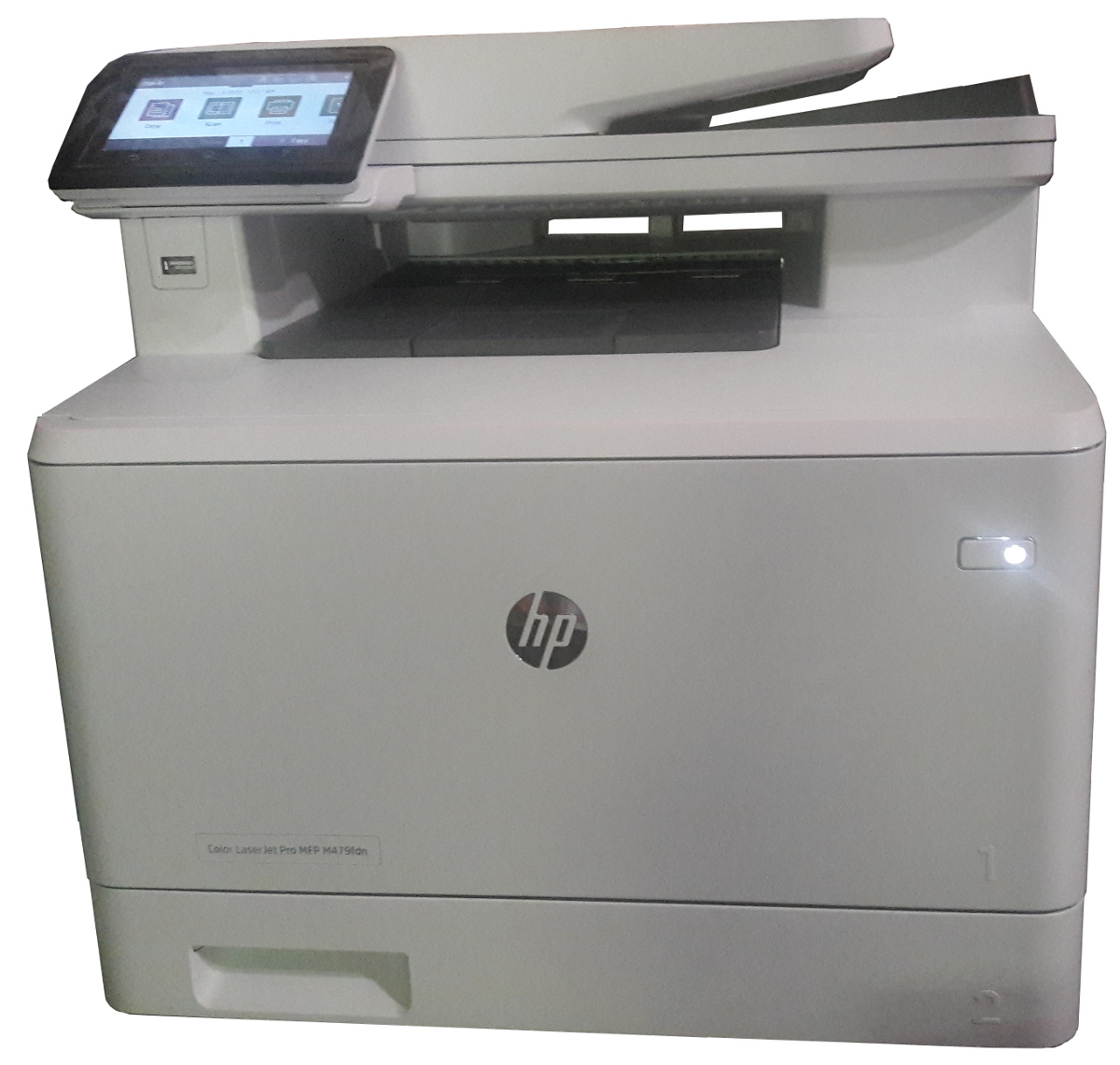
Click to get this printer on Amazon.com where I'm an affiliate.
Not too long ago, I ordered a new color drump for my old printer and replaced it. Not very long after that the print simply decided to not print at all anymore. Literally, it would pass the page through just fine but it had nothing on the page. I know it was working since it was printin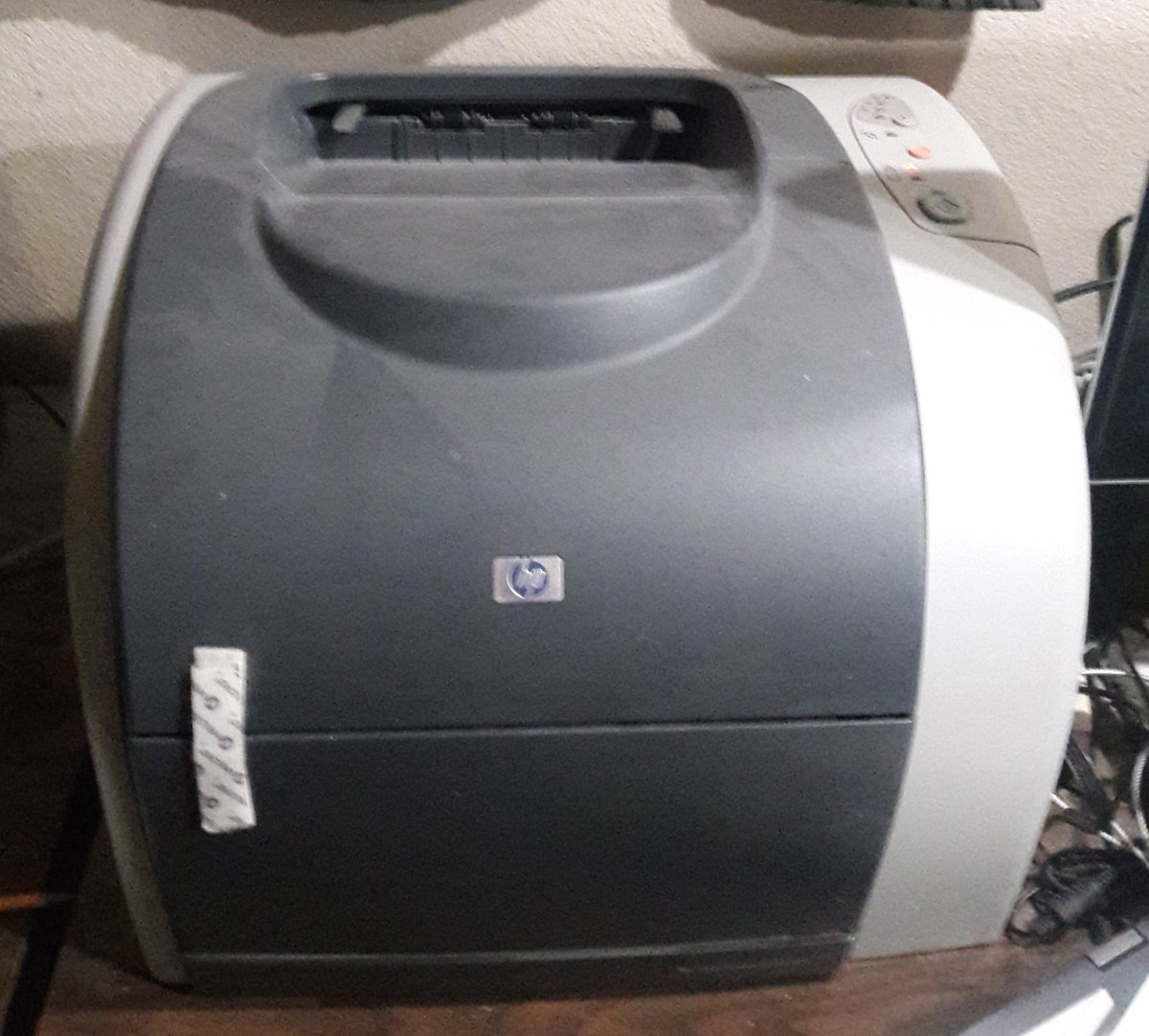 g just fine the day before and there was still plenty of black ink (it would have had the light on if the black was not enough.)
I'm thinking that may have been a ploy by the manufacturer to push me to buy a new printer...
In any event, ...
Docker, an advanced chroot utility
Fri, 11/29/2019 - 19:09 — Alexis Wilke
SECURITY WARNING
Before installing Docker and containers with services on your Linux system, make sure to read and understand the risks as mentioned on this Docker and iptables page. Especially, Docker will make all your containers visible to the entire world through your Internet connection. This is great if you want to indeed share that service with the rest of the world, it's very dangerous if you are working on that container service since it could have security issues that need patching and such. Docker documents a way to prevent that behavior by adding the following rule to your firewall:
iptables -I DOCKER-USER -i eth0 ! -s 192.168.1.0/24 -j DROP
This means that unless the IP address matches 192.168.1.0/24, the access is refused. The `eth0` interface name should be replaced with the interface name you use as the external ethernet connection. During development, you should always have such a rule.
That has not worked at all for me because my local network includes many other computers on my LAN and this rule blocks them all. So really not a useful idea.
Instead, I created my own entries based on some other characteristics. That includes the following lines in my firewall file:
*filter
:DOCKER-USER - [0:0]

-A DOCKER-USER -j early_forward
-A DOCKER-USER -i eno1 -p tcp -m conntrack --ctorigdstport 80 --ctdir ORIGINAL -j DROP
-A DOCKER-USER -i eno1 -p tcp -m conntrack --ctorigdstport 8080 --ctdir ORIGINAL -j DROP
-A DOCKER-USER -i eno1 -p tcp -m conntrack --ctorigdstport 8081 --ctdir ORIGINAL -j DROP
My early_forward allows my LAN to continue to work. These are my firewall rules that allow my LAN computers to have their traffic forwarded as expected.
Then I have three rules that block port 80, 8080, and 8081 from Docker.
Docker will add new rules that will appear after (albeit not within the DOCKER-USER list) and will open ports for whatever necessary service you install in your Dockers.
Note that the only ports you have to block are ports that Docker will share and that you have otherwise open on your main server. If Docker opens port 5000 and your firewall does not allow connections to port 5000 from the outside, then you're already safe. On my end I have Apache running so as a result I block quite usual HTTP ports from Docker.
Docker
As we are helping various customers, we encounter new technologies.
In the old days, we used chroot to create a separate environment where you could have your own installation and prevent the software from within that environment access to everything on your computer. This is particularly useful for publicly facing services liek Apache, Bind, etc.
Icecream Locks?!
Thu, 11/21/2019 - 13:34 — Alexis WilkeI like technology, but I think that at times, it just goes too far.
Today I found out that a company is actually selling an Ice Cream Lock. Yes! A lock so people can't easily open your ice cream, at least not without either picking the lock or breaking the ice cream box.
It's a simple lock with a combination and if you don't know that combination, you just won't be able to open the ice cream box. Here are some pictures:
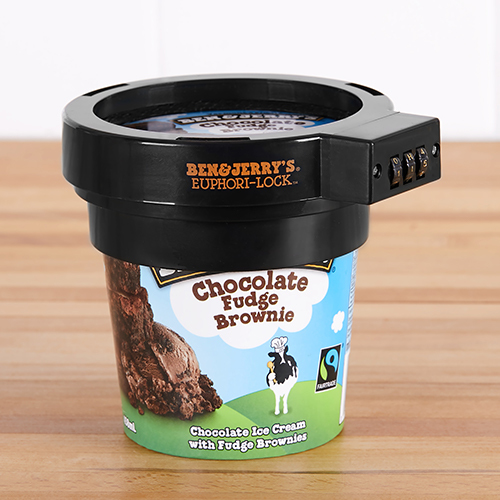
Click the image to see more on Amazon.com
(Note that I'm an affiliate)
Now, I really think technology is going too far! 
Enjoy!
Alexis
Protected Node Password Form
Protected Node Password Form
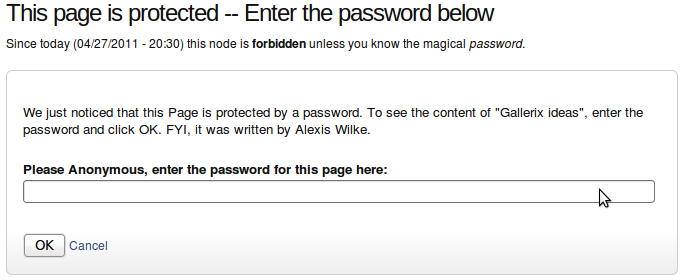 Once a node is protected, users who cannot bypass the password are sent to the password form (see image on the side.)
The password form is very simple. It includes one field for users to enter the node password and an OK button.
When the browser of the user sent us a referrer, then the Protected node module adds a Cancel link back to that referrer. Using the global settings, you can force a Cancel link to always be there. When no referrer is available, the Cancel link will send your users to your home page.
The title, information, description and title over the
Insert Node Parameter: imagefield or imagecache (6-1.3)
The imagefield parameter allows you to insert a CCK image from the specified node.
The parameter must be set to a very specific value for the feature to function properly. The following describes the value:
imagefield=<field name>:<image cache value>:<type>:<index>
The <field name> is the name of the CCK field. You need to include field_ as the introducer. For example, a field you named image is referenced as field_image.
The <image cache value> represents the way the image is displayed. Most often it represents a size such as small, medium, and large.
Table of Contents Settings
Filter Configuration
At this point, most of the Table of Contents configuration is done in the Table of Contents filter.
This means multiple Input formats allow you to make use of several different configurations.
Table of Contents Known Issues
Various known issues with the Table of Contents module.
Teaser appear, FCKeditor accentuated letters, Back to top arrow, Filters interaction (JavaScript removal,) headers numbering, double numbering...
To Do Block
Installation
Go to Administer » Site building » Modules and click on To Do Block to install the Block extension for the To Do module.
SimpleMenu Known Issues
SimpleMenu Disappears
There following are a few of the main reasons why SimpleMenu disappears.
Pop-up Windows
By default, SimpleMenu wants to hide itself in pop-up windows. This is a feature.
The reason is that many websites will open pop-up windows for all kinds of extra-features such as uploading an image or printing some description of an image or the definition of a word or product.
These windows should not include the SimpleMenu bar.
There is a dedicated page giving several different ways to fix this problem on your website.
Menu Overflow
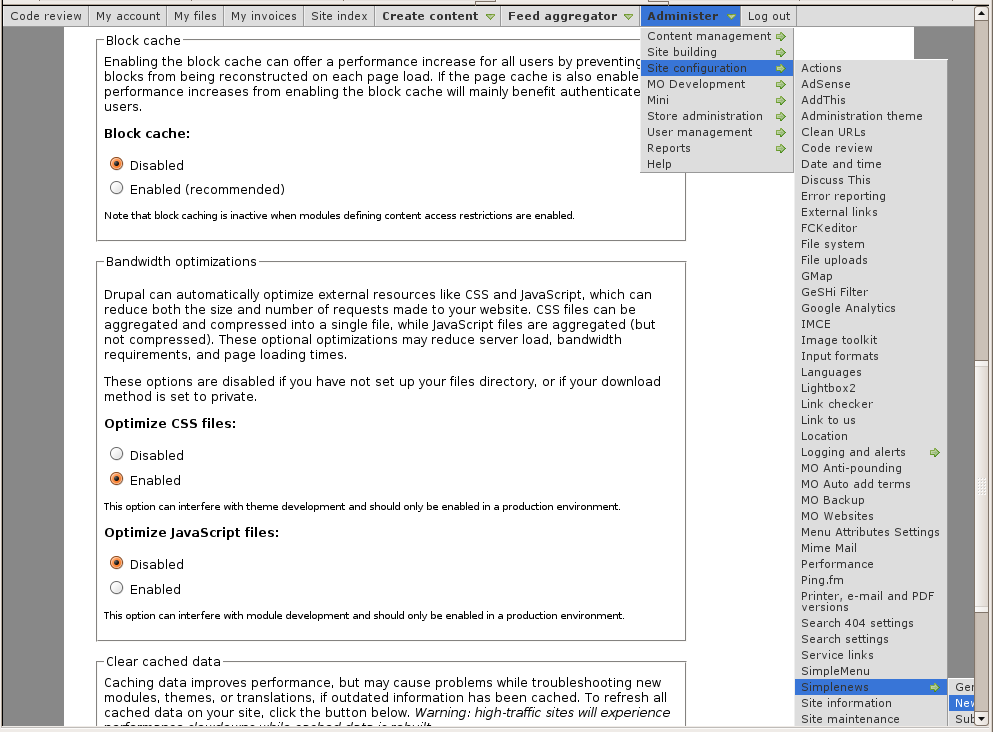 Very long menus will disappear on the
To Do List Basic Module
Basics
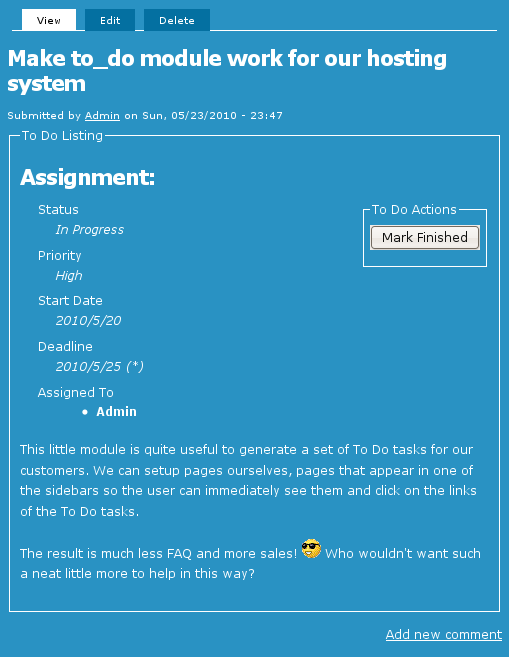 The basic To Do List module has many parts and each is documented in a separate page.
