
good
What kind of test do I need for my software?
Sun, 04/16/2023 - 11:27 — Alexis Wilke
Introduction
Most software companies run in that dilemma. In order to write software that works, you want to write some tests. The question for many of these companies is: what kind of tests are most efficient for my business?
Here we talk about seven common test practices in the software industry.
1. Unit Testing
Probably the most used form of testing is Unit Testing. This is easy to write and very effective in discovering bugs. If you are looking at verifying correctness, this is 100% what you need to have to test your software.
Why is it easy to write?
In most cases, Unit ...
What is a Golden File in software development?
Mon, 03/14/2022 - 12:34 — Alexis Wilke While programming, one of the best thing to do to make sure that your software works as expected is to write tests.
Actually, if you write enough tests to make sure that the code works as expected, it should take you between two and three more time to finish up your project. So if it takes you one day to write a function, it will take you another two days to write good tests for that one function.
Many of those tests, especially as you construct more and more complex software, require large amount of input and output data. It's easy enough to test a function such as strlen(). It has one ...
Top 6 Benefits of Hotel Management Software
Fri, 02/11/2022 - 17:22 — Alexis WilkeTechnology is ever-changing, and it brings huge operational benefits to all industries, including hospitality. However, not every business has the time, energy, funds, and resources to constantly invest in the latest technological breakthroughs.
That being said, there are a few simple and cost-effective operational aids that are easy to setup and make running a hospitality business that much easier, like hotel management software.
Not sure if you need new software for your hotel? Keep reading to learn how digital hotel management solutions improve efficiency.

1. Accurate Reports
Hotel ...
3 Types of Software Every Business Needs
Fri, 01/28/2022 - 19:17 — Alexis WilkeAre you struggling to stay on top of everything in your business?
You don't need to handle everything all alone — there's software specifically designed to help your business thrive without you having to put in more hours. The right software will save you time by keeping everything organized and ready to go.
Learn about the 3 types of software to keep your business running as it should while you focus on more important things.

What Type of Business Do You Have?
As we go through each type, understand that the software your business needs depends mainly ...
The Benefits of Keyword Research Software
Fri, 12/04/2020 - 09:11 — Alexis Wilke
You've heard it said that a team is only as good as its leader, right? In the world of computer systems, many times, a computer is only as good as its software.
If you do any marketing research or work for an online company, one of the best software you could ask for is a keyword finder. If your job focuses on marketing techniques and sale inquiries, keyword finders are the way to go.
Why? Let's discuss the most significant benefits these handy tools can provide for you!
1. They Help Narrow the Search Results
If you are searching for information about a subject ...
HP Color LaserJet Pro Multifunction M479fdn Laser Printer
Tue, 05/12/2020 - 18:25 — Alexis Wilke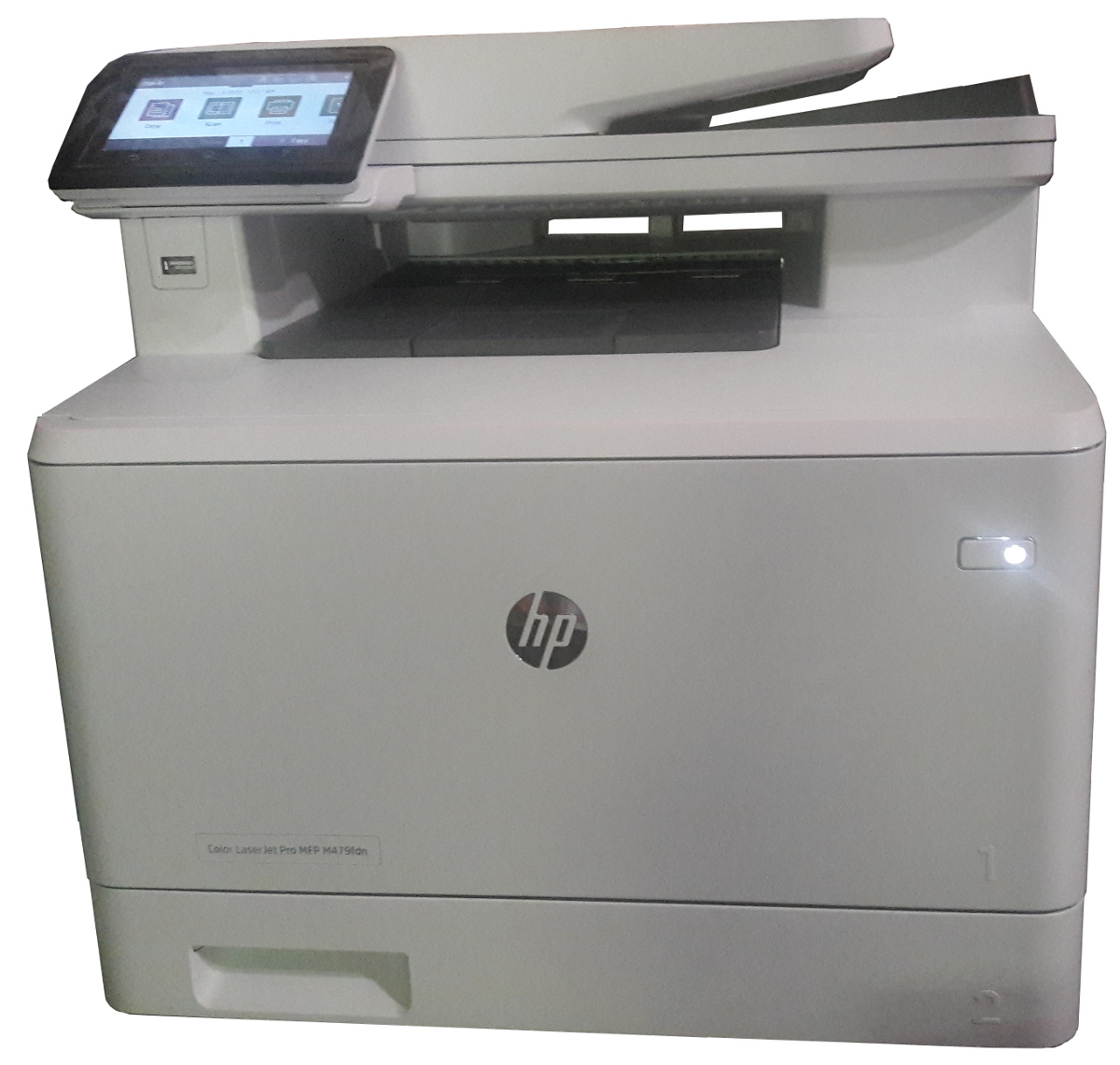
Click to get this printer on Amazon.com where I'm an affiliate.
Not too long ago, I ordered a new color drump for my old printer and replaced it. Not very long after that the print simply decided to not print at all anymore. Literally, it would pass the page through just fine but it had nothing on the page. I know it was working since it was printin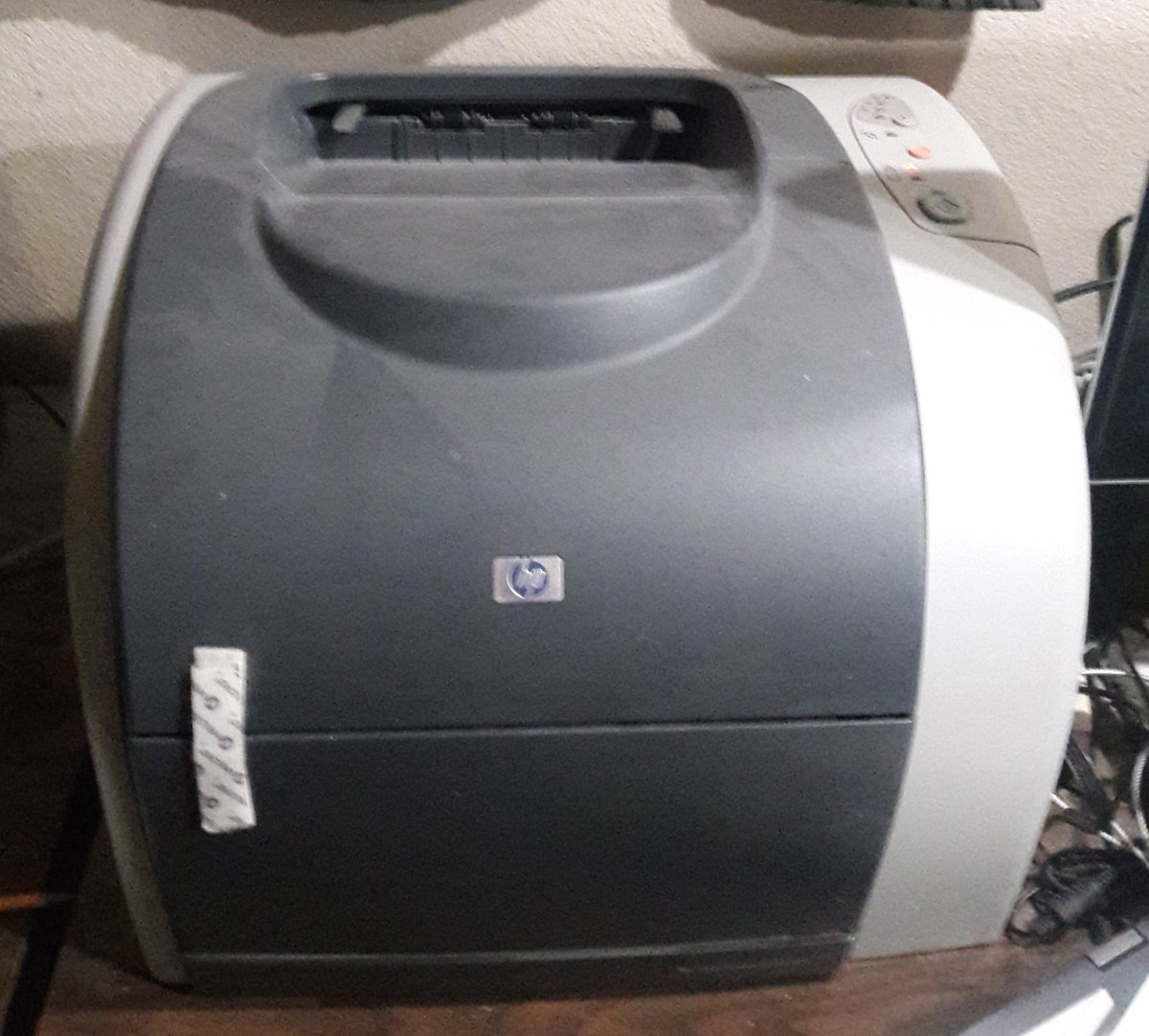 g just fine the day before and there was still plenty of black ink (it would have had the light on if the black was not enough.)
I'm thinking that may have been a ploy by the manufacturer to push me to buy a new printer...
In any event, ...
Don't Repeat Yourself When Writing Software
Fri, 05/01/2020 - 11:39 — Alexis Wilke
For a very long time now, we have been using languages that support having functions that one can call. That was not always the case, although even really old versions of BASIC had a GOSUB instruction, which it had no concept of local variables so it was rather difficult to use safely.
Functions allow you to avoid repetition. You write a small snippet of code (or maybe not that small) within a function and then you call that function to reuse that snippet over and over again. Good programmers tend to do that even with one liners. However, many others often think: well, it's just one line, why don't I return copy & paste that wherever I need it, it's going to be faster.
Linux to the rescue!
Fri, 03/27/2020 - 22:52 — Alexis Wilke
Doug and I have always thought that Linux would become the primary OS of today.
We've seen it go up and down, but now it's really becoming powerful, between OpenOffice, Chrome, The Gimp, Krita, Audacity, and many other tools, you can do so much that it more and more renders the expense of running MS-Windows less and less viable for most.
Now there is this new company offering a thumb drive with an optimized version of Linux called Xtra-PC which boots really fast and offers all the basics that one needs to run a computer. There is nothing to install, the OS will automatically detect ...
How small are computers getting?
Wed, 03/18/2020 - 20:37 — Alexis Wilke
Click on picture to see on Amazon.com (which I'm an affiliate of).
Computer Stick
Looking at Mini Computers, I found this Fanless Mini PC based on the Intel Atom Z8350 processor by SmallRT. The picture includes a mouse to give you an idea of the size of that thing. It's tiny! Maybe not what you want, but you can already do a lot with that little one.
The connector on the left side is an HDMI plug which spits out 4K of video graphics. It's just totally amazing to me. Of course, we had the Pi3 and now we have the Pi4... but those are computers for hackers. Here we're ...
Safely Processing a Queue of Jobs
Tue, 02/18/2020 - 10:29 — Alexis WilkeWhat is a Queue
In software a queue is a container which is used to add items on one side and remove them on the other in a very efficient manner.
Sorted Queues
When used by a Journal, a queue is often going to support some kind of sorted order. Some jobs are more important than others and these should be built sooner. In other words, we give those jobs a higher priority and we sort the queue by priority first then using the time at which the job gets inserted.
Note that the C++ std::queue and std::unque containers do not offer anyway to support a priority. Instead you have to use ...
