
hand
What kind of test do I need for my software?
Sun, 04/16/2023 - 11:27 — Alexis Wilke
Introduction
Most software companies run in that dilemma. In order to write software that works, you want to write some tests. The question for many of these companies is: what kind of tests are most efficient for my business?
Here we talk about seven common test practices in the software industry.
1. Unit Testing
Probably the most used form of testing is Unit Testing. This is easy to write and very effective in discovering bugs. If you are looking at verifying correctness, this is 100% what you need to have to test your software.
Why is it easy to write?
In most cases, Unit ...
HP Color LaserJet Pro Multifunction M479fdn Laser Printer
Tue, 05/12/2020 - 18:25 — Alexis Wilke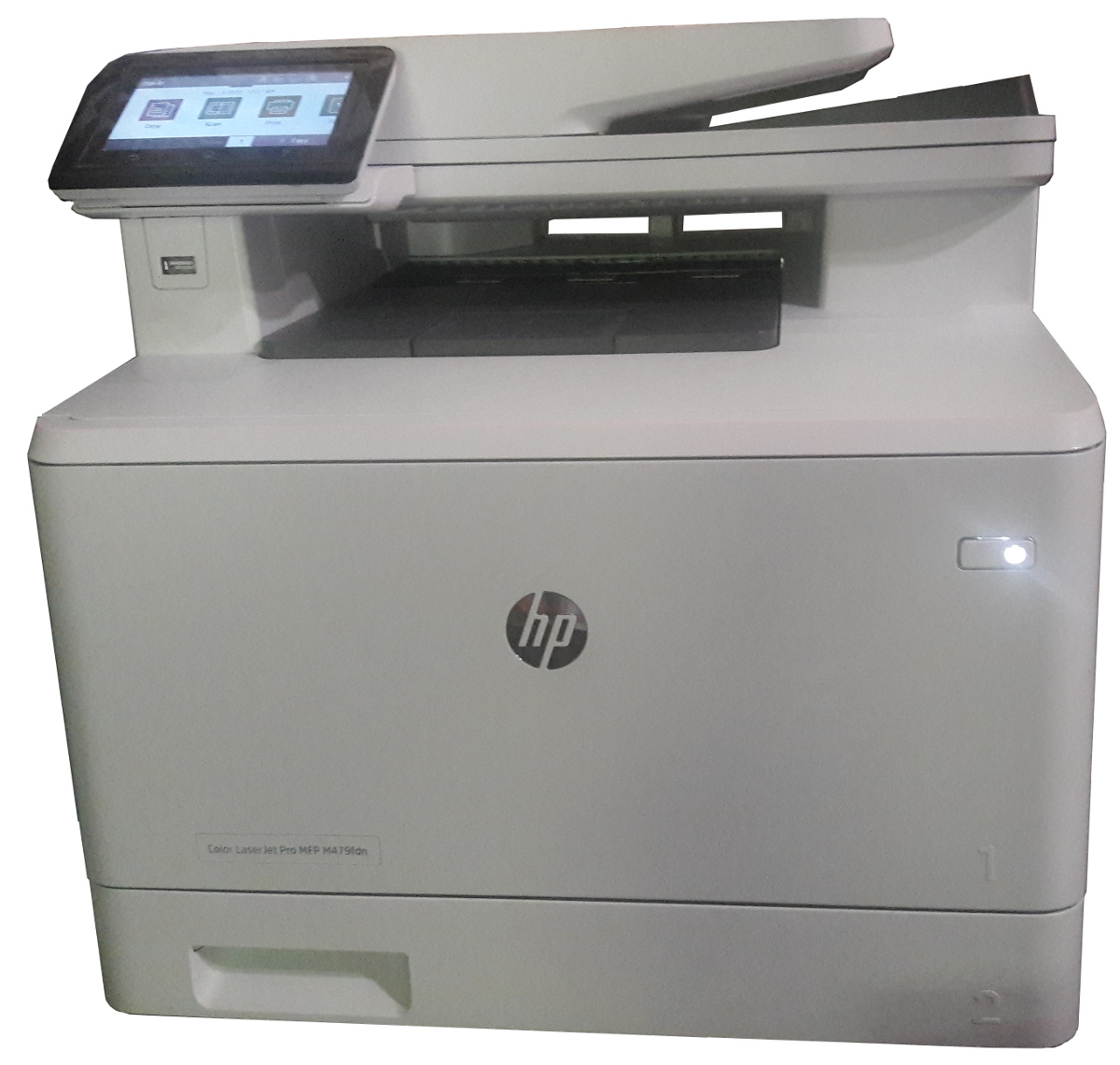
Click to get this printer on Amazon.com where I'm an affiliate.
Not too long ago, I ordered a new color drump for my old printer and replaced it. Not very long after that the print simply decided to not print at all anymore. Literally, it would pass the page through just fine but it had nothing on the page. I know it was working since it was printin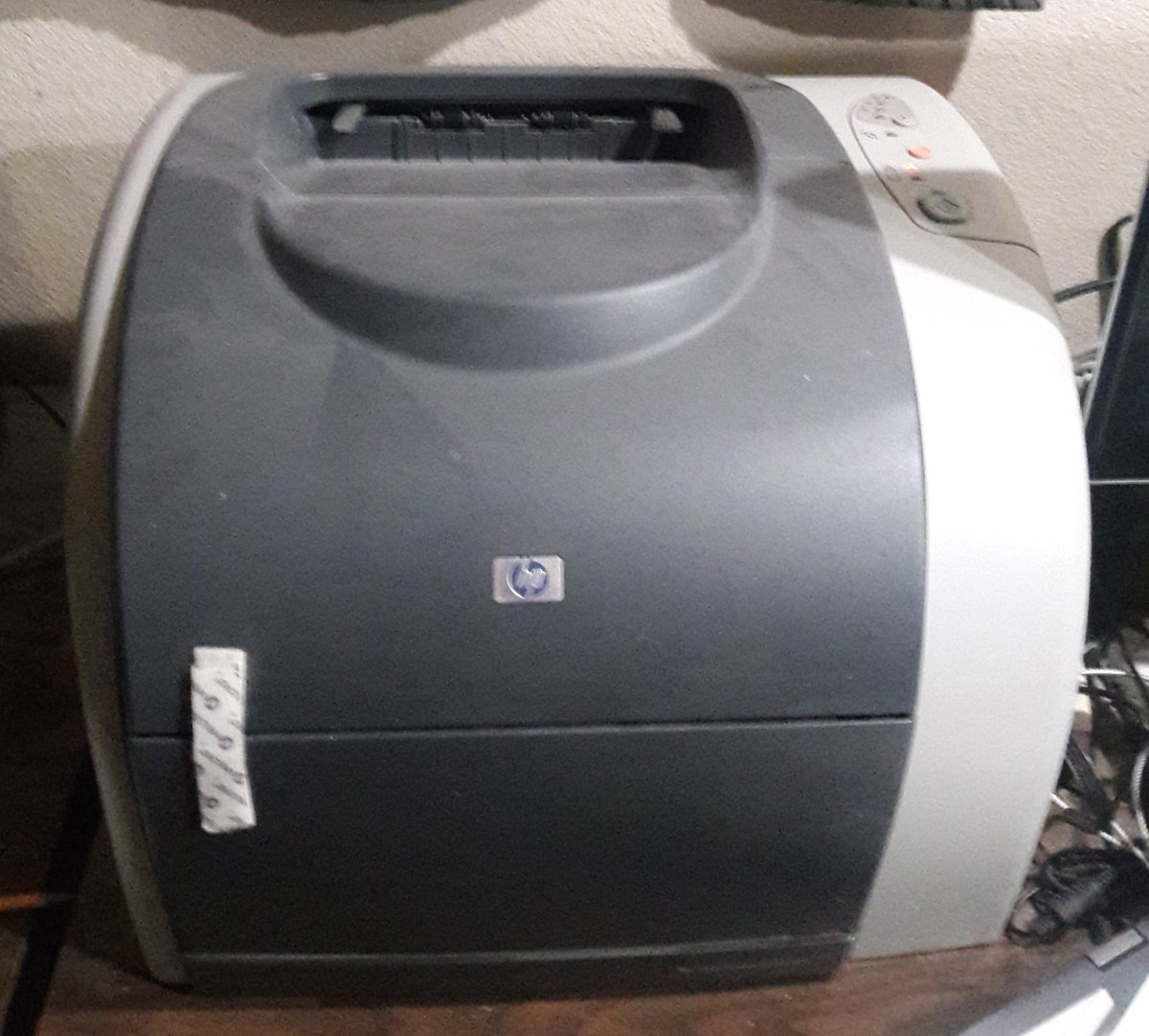 g just fine the day before and there was still plenty of black ink (it would have had the light on if the black was not enough.)
I'm thinking that may have been a ploy by the manufacturer to push me to buy a new printer...
In any event, ...
Only add identifiers and optionally numbers to my headers
Proposition
The Table of Contents module uses the headers to get generated. Each header gets a unique identifier when none were assigned manually. The Table of Contents module uses the text between the start and end tags as the title to show in the table of contents.
Very good!
Now, you may not want the Table of Contents itself, but you like the idea to have identifiers in all your headers. This can be useful to create in-page links (a link with an anchor, i.e. #some-name at the end of your URL.) It is generally annoying to have to enter the identifiers by hand for each header and you may
Help for To Do List End Users
Introduction
 This page documents the usage of the To Do List module to end users (i.e. not how to install and setup the module, but how to create To Do List items, share them, mark them started/finished, etc.)
For administrative information check out the To Do List module help.
To Do List Global Settings
Global Settings
Global settings are found under Administer » Site configuration » To do list (admin/settings/to_do).
Only To Do List administrators can edit the Global Settings.
Sprite Properties
The following is the list of currently accepted properties or fields for the Get Property and the Set Property actions. Note that the properties can be specified with either an integer (type 7, requires V5.0+) or a single precision floating point (type 1, V4.0 compatible). And since strings are automatically transformed in a value when required, one can use a string to represent the property number (type 0).
Concatenate Strings
Pop two strings, concatenate them, push the result on the stack.
Note that the second string is on the left hand side of the concatenation.
We have completely switched to Drupal!
Thu, 12/10/2009 - 12:33 — Doug BarbieriMade to Order Software is proud to announce a complete switch-over of our main site to Drupal! With this switch we are introducing new features which we hope will make your visit to our site more enjoyable. 
IEEE Standard 754
The original document by Steve Hollasch can be found at http://steve.hollasch.net/cgindex/coding/ieeefloat.html
IEEE Standard 754 Floating Point Numbers
IEEE Standard 754 floating point is the most common representation today for real numbers on computers, including Intel-based PC's, Macintoshes, and most Unix platforms. This article gives a brief overview of IEEE floating point and its representation. Discussion of arithmetic implementation may be found in the book mentioned at the bottom of this article.
What Are Floating ...
PHP eFax FAQ
PHP eFax is very popular and generates many questions from our customers and potential customers. We try to answer those questions on our website for a quick read from our users. You can always ask us additional questions by contacting us directly or by posting a comment on the FAQ page.
